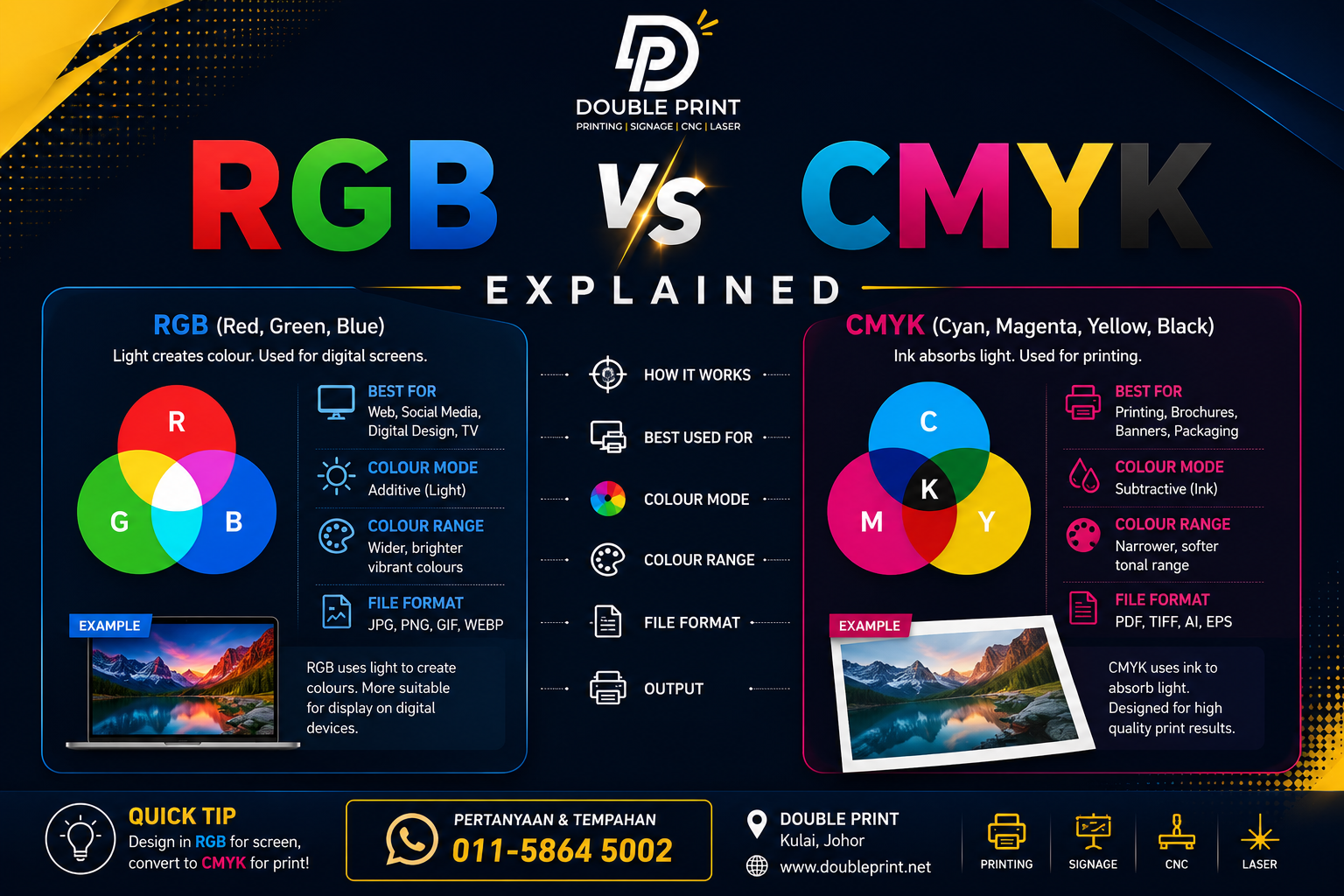
If you've ever sent a design file for printing and received it back looking blurry, pixelated, or just not as crisp as you expected on screen, chances are the resolution wasn't set correctly. One term you'll hear constantly from printers in Kulai, Johor Bahru, and across Malaysia is "300 DPI". But what does it actually mean, and why does it matter so much for the quality of your business cards, banners, or packaging? Let's break it down in plain language.
What Does DPI Actually Mean?
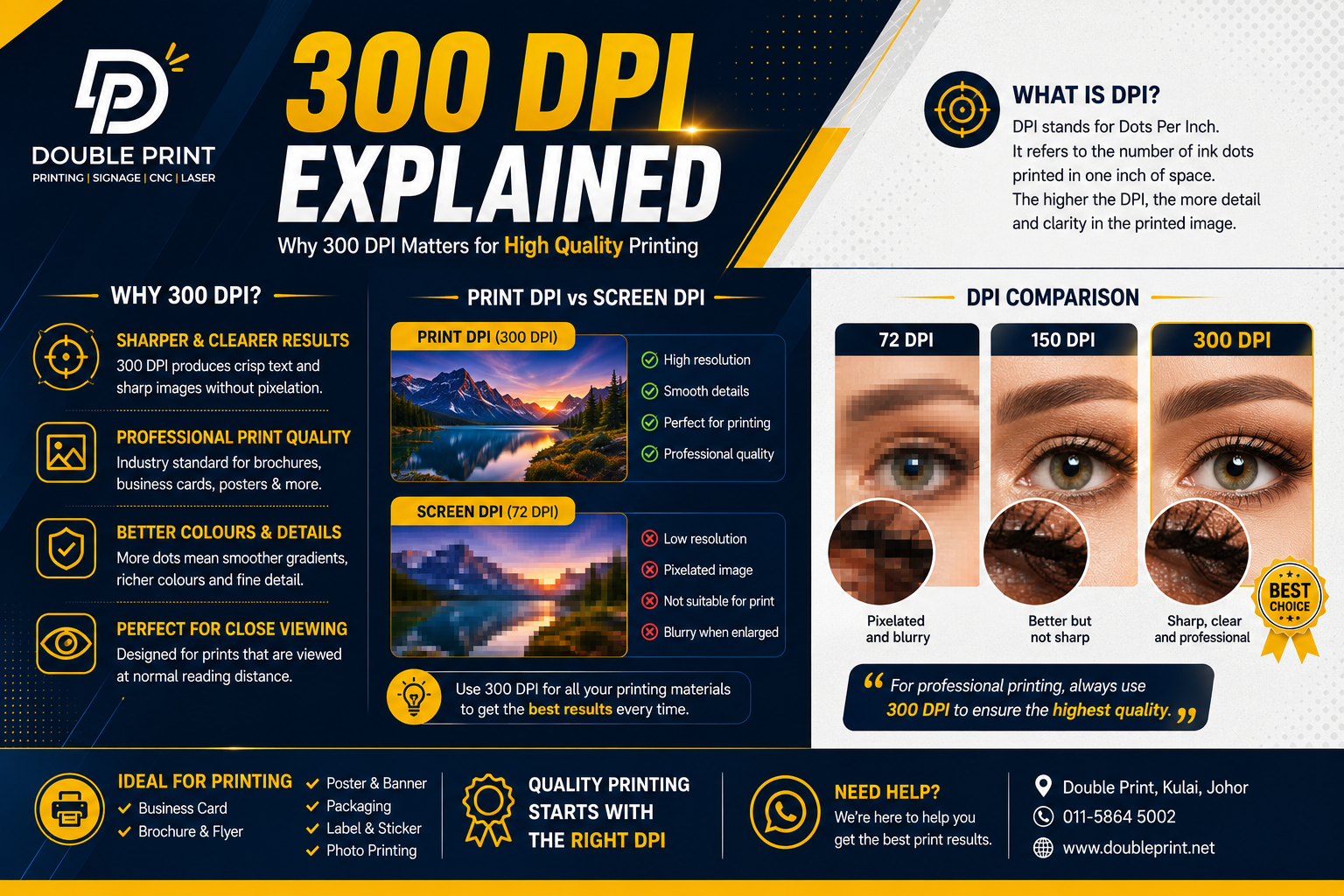
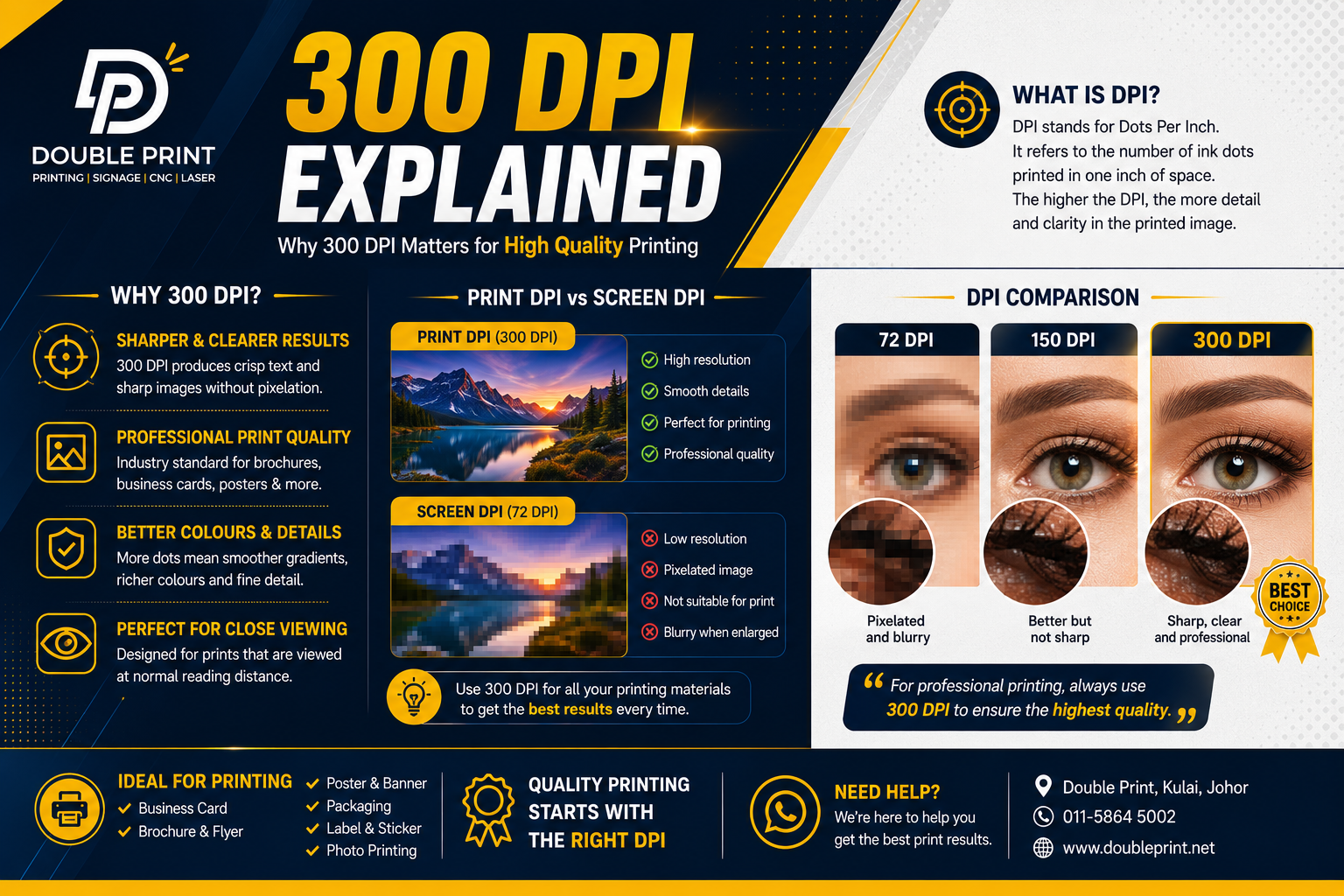
DPI stands for Dots Per Inch. It refers to the number of individual dots of ink a printer places within one inch of printed material. The more dots packed into that space, the finer and more detailed the final image appears. Think of it like pixels on a screen — more pixels per inch means a sharper picture.
DPI is often confused with PPI (Pixels Per Inch), which measures resolution on a digital screen. While they're technically different, for practical purposes when preparing files for print, most designers and printers use the terms somewhat interchangeably.
Why 300 DPI Is the Industry Standard
300 DPI has become the go-to benchmark for professional print quality for a simple reason: it strikes the right balance between file size and visual sharpness for items viewed at close range — things like:
- Business cards
- Brochures and flyers
- Product packaging
- Stickers and labels
- Book covers and pages
At 300 DPI, the human eye generally cannot distinguish individual dots when viewing the print from a normal reading distance. This creates the illusion of smooth, continuous colour and sharp text edges — exactly what you want for a professional finish.
What Happens Below 300 DPI?
When resolution drops below 300 DPI — say to 150 or 72 DPI (the standard for web images) — the dots become large enough for the eye to detect. This results in:
- Blurry or
Notes from the press floor at Double Print, Kulai. We print, cut, engrave and craft for businesses across Johor and beyond. Send us a brief.